

AI powered tools are becoming more powerful, integrated and helpful for people from walks of life.
These AI powered Chatbots like ChatGPT or DeepSeek go beyond the voice commands we are used to. These tools are able to engage in a human-like conversation, generate text, analyze data, write code, create content, generate art, marketing and do all other sophisticated tasks.
Unlike conventional voice assistants, these AI tools adapt themselves according to the user’s requirements and offer real solutions in real time.
This is the reason why individuals and organizations are incorporating different AI Tools into their businesses to increase productivity at a minimum cost.
In the following article you learn about 10 such free AI productivity apps to boost your productivity and save your time and money.
10 Free to Use AI Productivity Apps
1. ChatGPT
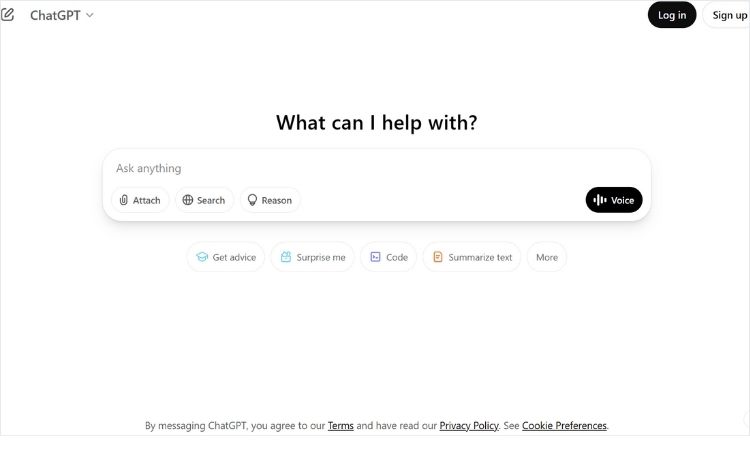
ChatGPT is one the most popular AI tools for productivity right now. It is developed by OpenAI to do all kinds of work like writing articles or emails, brainstorming ideas, generating codes, providing explanations etc.
Key Features
- Context Based Understanding: It can remember context within a conversation making interaction more human-like.
- Multi Domain Expertise: Assistance across domains from technical subjects like AI to general topics like lifestyle, business, home decor etc.
- Multilingual Support: ChatGPT supports multiple languages.
- Creative Content Generation: Generate creative articles, blog posts, even fictional stories.
- Real Time Processing: Processes queries in real-time offering immediate responses.
- Task Automation: Automating chores like writing emails, setting up reminders,drafting documents etc.
Best For
Both for technical tasks like writing coding, analyzing information as well as creative tasks like writing a fictional book or essay.
Both individuals and big organizations can use ChatGPT.
2. Microsoft Pilot
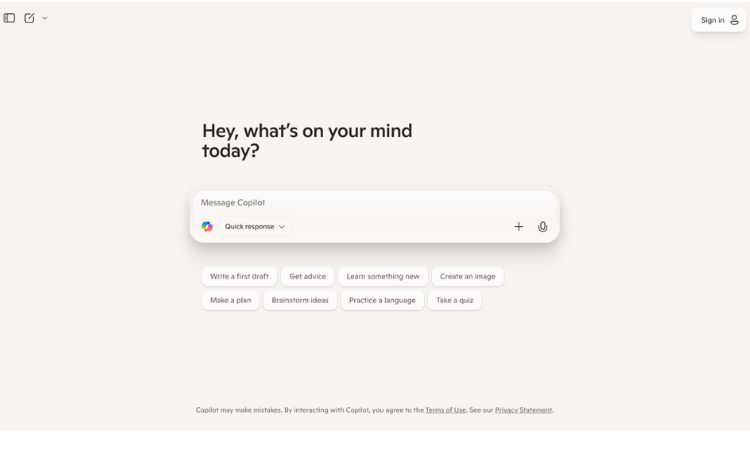
Microsoft Copilot AI assistant can be accessed through web and apps, it is integrated into Microsoft 365.
Key Features
- Natural Language Processing or NLP: Just like ChatGPT it is great at understanding and processing user input in natural language.
- Data Analysis and Insights: In Excel spreadsheet, Copilot can analyze large sets of data, generate insights and create formulas.
- Automation: It can automate repetitive tasks like scheduling, data entry and formatting.
- Contextual Assistance: It can offer suggestions and feedback that is relevant to your current project.
- Task Management Integration: Copilots seamlessly integrates with Microsoft Planner and To Do helping you stay organized.
- Security and Compliance Assistance: Users stay compliant with company policies and security standards.
Best For
Professionals who use Microsoft 365 apps for general productivity, creating documents, managing emails etc.
3. Google Gemini & Google Assistant
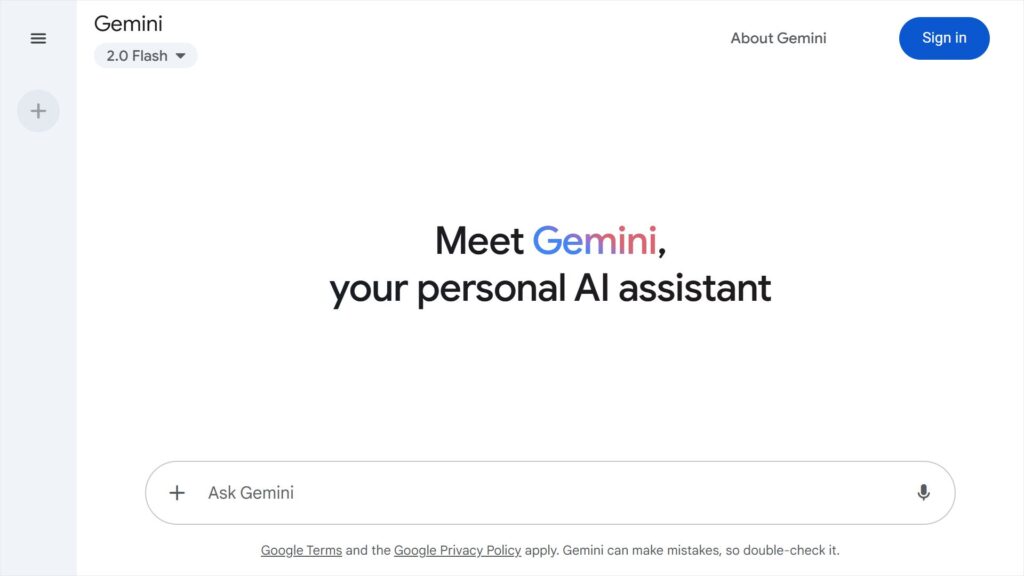
Google Offers two tools Gemini and Assistant to increase productivity in various ways depending upon the user’s need.
Key Features
- Multimodal Capabilities: Gemini can process both text and images making it a versatile AI tool.
- Image Generation and Editing: For creative projects, creators can use Gemini to generate images from textual descriptions and modify existing images.
- Improved Search Functionality: It is integrated with Google Search thus provides more intelligent and relevant results.
- Integrated with Google Products: Seamless integration with Google’s Suite of products like Gmail, Google Docs, Google Sheets.
- Dynamic Learning: Unlike static data, Gemini can adapt and learn from new data.
Best For
Gemini is for professionals wanting to generate content and do research while Google Assistant is perfect for those who want a hands free, voice controlled assistant.
4. Siri
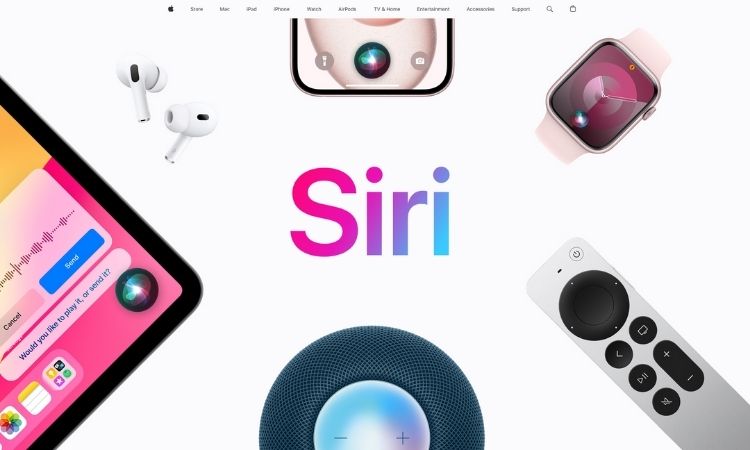
Siri is Apple’s voice-activated AI assistant built into Apple devices. It can assist at hand free tasks like sending messages, setting reminders, controlling smart home devices etc.
Unlike AI Chatbots Siri gives quick, action based commands instead of conversation or content generation like ChatGPT.
Key Features
- Voice Commands: Perform tasks on Apple devices using voice commands, sending messages, reminders etc.
- Voice Feedback: Provides audible and visual feedback on user’s request.
- Voice Activated Search: Perform internet searches and find information from websites.
- Context Awareness: It can recall past interactions and adjust its responses accordingly.
- Home Automation: Integration with Apple HomeKit allowing to control smart home devices.
Best For
Normal users who want a voice controlled assistant for managing daily chores and controlling other Apple devices.
5. Adobe FireFly
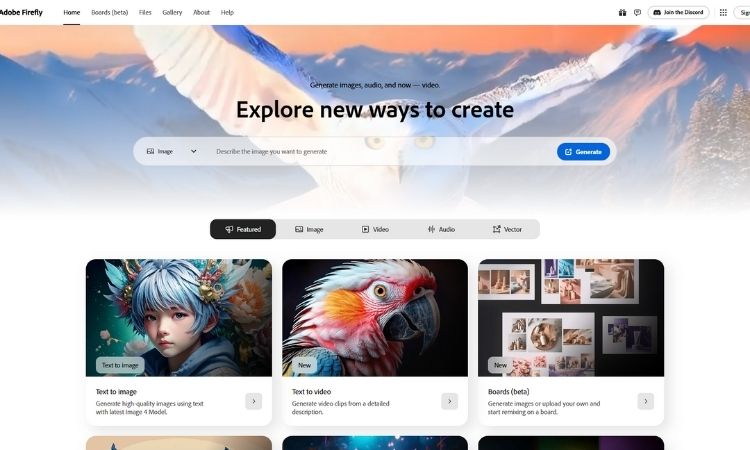
Adobe FireFly is an AI image generator perfect for creative users who would like to design images for various projects.
Key Features
- Generative AI for Creative Content: FireFly leverages AI to generate creative images, graphics, text based on user input.
- Text to Image Generation: Convert text prompts into images, offering ability to create artwork, illustrations, designs etc.
- Text Effects and Style Transfer: Generate artistic text effects and transfer styles between text and images.
- Color and style Matching: Users can input color schemes or design styles and FireFly will generate matching elements or suggest improvements.
- Generative Fill Feature: Its ability to add elements seamlessly into existing images.
- Content Aware Editing: Users can automatically Fill in gaps or remove unwanted elements from images with AI.
- Image Upscaling: Upscale low resolution images without losing quality.
Best For
It is best for creators who are working on creative projects. And not for everyone.
6. Pixlr
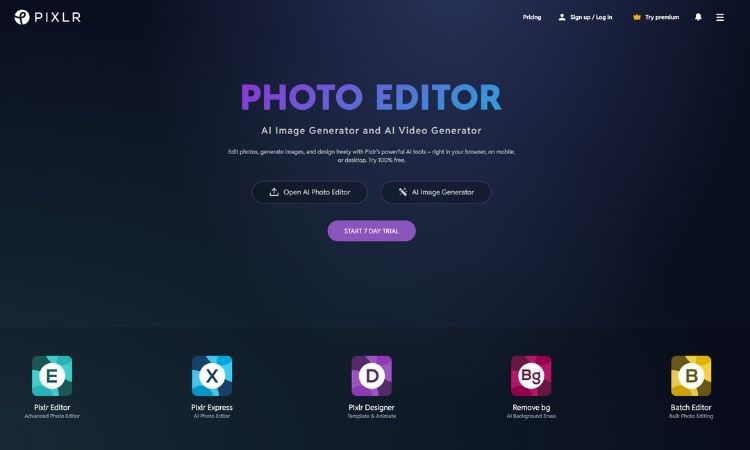
Pixlr is a free online photo editing tool similar to Photoshop offering a wide range of photo editing tools.
Key Features
- Pixlr Editor
It offers a full suite of basic editing features that are very easy to learn. Just hover over the tools to explore their functions.
- Pixlr Express
Express is an AI Powered editor with advanced features like Generative Fill for area filling, Generative Expand for edge extension, Face Swap/AI Avatar for creating avatars and Backdrop for backdrop changes.
- Templates and Marketplaces
Multi purpose templates for social media graphics and ads.
Best For
An alternative to Photoshop for individuals who want to learn quickly. You learn more about some of the best AI Photo Editing Tools Here!
7. Grammarly
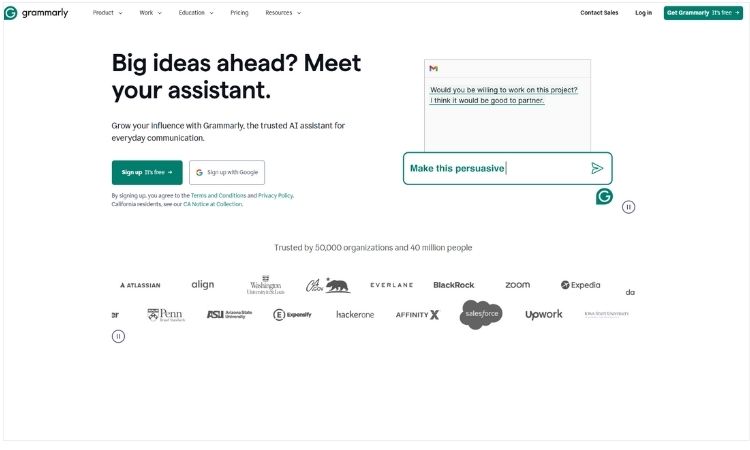
Grammarly is an AI writing tool designed to improve writing across platforms. It helps with grammar, spelling, style and clarity, readability etc.
Key Features
- Grammar and Spell Check and Vocabulary: Check your writing for grammar, spell check and give suggestions for enhancing vocabulary.
- Style and Clarity Suggestions: Helps improve your writing style and readability.
- Tone Detection and Adjustment: Suggests you to write with readers in mind.
- It also detects plagiarized content.
Best For
Ideal for businesses and individuals who have to create a lot of content and write hundreds of emails to clients.
8. Wix

Wix provides cloud based web development services for creating websites for desktop and mobile platforms.
Key Features
- Easy to Use Design Tools: Drag and drop interface, wide range of templates to choose from, image and video tools etc.
- Mobile Editing: Developers can customize websites for mobile devices.
- Animations: Add animation effects to draw attention to certain parts of your website.
- SEO: Optimize your website for search engines.
- Ecommerce: Create an online store with Wix Stores.
Best For
Wix is well suited for both developers as well as newbies who are new to web development.
9. Hive
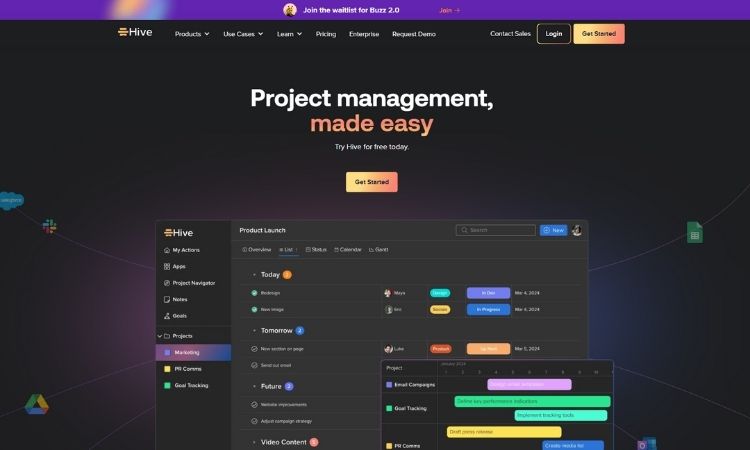
Hive is one of the best AI powered content detectors for text, images and video with confidence score.
Key Features
- Confidence Score: It gives a confidence score that tells you the likelihood of AI in your content particularly generated by ChatGPT.
- No Account Needed: You do not need an account, just paste the content and get results. You can also use Hive as a Chrome Extension.
Best For
Publishers and content creators who are publishing content on a daily basis.
10. Reclaim
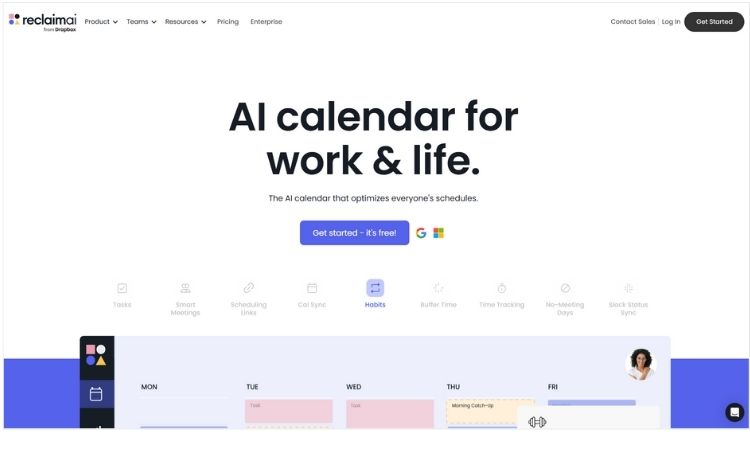
Reclaim is an AI powered scheduling assistant that automatically reschedules calendar events when conflict arises.
Key Features
- Planner Screen: It has a Planner screen for centralized task management, habit customization, task integration etc.
- Event Management: Whenever there is a conflict, it quickly reschedules and adjusts your calendar. It manages recurring events very well.
Best For
It is best suited for professionals with multitasking that need automated scheduling.
Although there are hundreds of AI tools available online, I mentioned 10 best AI tools to boost your productivity without spending a dime.
You can choose any one of them depending upon your need. If you like the tool then you can also go for their paid version for unlocking powerful features.


