

Our default choice for generative AI has been ChatGPT. However, thare are many other AI tools similar to ChatGPT that offer much better outputs and experiences for different use cases.
Right now ChatGPT may be a great general-purpose AIChatbot but if you had to perform certain tasks in a particular domain then it might fall short of your expectations.
For example, if a user wants to solve a highly complex problem that requires a lot of reasoning and analytical thinking then he or she may have to try some other AI tool that can meet their requirements.
In the following article, you will learn about 6 such best ChatGPT alternatives that are free to use.
Let us get started!
Also Read: OpenAI’s ChatGPT Agent Is Live: Here’s What It Can Now Do That Will Blow Your Mind
Top 6 Alternatives To ChatGPT – Free & Paid
1. Claude
What Does it do?
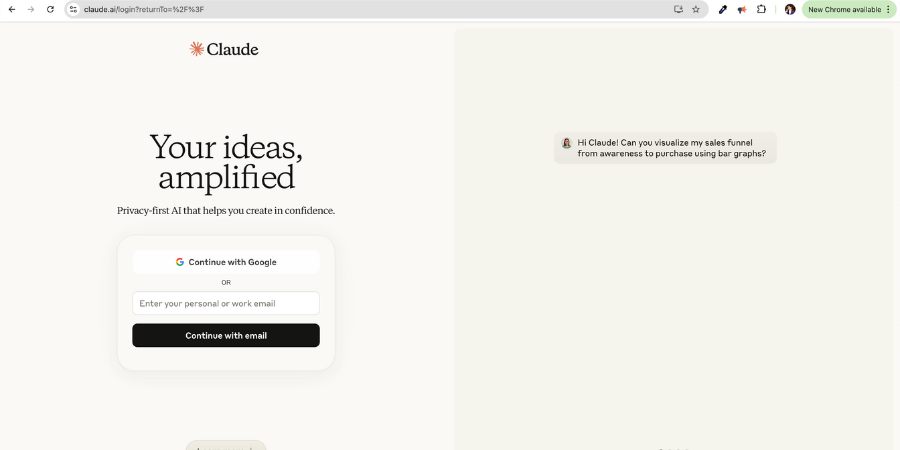
Claude developed by Anthropic AI is both an AI chatbot and Large Language Models (LLMs) that powers it.
Claude can do various tasks like
- Answer Questions based on text, audio and visual inputs.
- Create content like writing essays, short stories, creating business plans etc.
- Summarize long documents like PDF files.
- Translate text between different languages in real time.
- Transcribe and analyze images including graphs, photographs and even handwritten notes.
- Write codes in HTML and CSS and debug code bases.
Who is it for?
Claude AI is designed for
- Students – Students can practice AI tasks like data analysis and natural language processing.
- AI Professionals – They can solve problems, automate tasks and create content. It can deepen their knowledge by providing advanced insights.
- Businesses – Business can use it to input large documents and datasets to receive accurate answers. They can also train employees.
- General Users – A layman can use it to brainstorm ideas, analyze documents and have conversations back and forth.
Different Models
Claude has 3 models.
- Claude 3 Sonnet – All around model best suited for enterprises because it balances intelligence and speed.
- Claude 3 Haiku – It is text only model good for writing, data extraction and code completion with a faster response time.
- Claude 3 Opus – Its most advanced model designed to handle complex tasks offering high performance and intelligence.
Salient Features
Some of its salient features that separates Claude from the rest.
- Advanced Reasoning – Can perform complex cognitive tasks that go beyond simple pattern recognition or text generation.
- Vision Analysis – As mentioned earlier it can transcribe and analyze static images from handwritten notes to photographs.
- Code Generation – Can create websites in HTML and CSS.
- Multilingual Processing – Translate between various languages in real time, practice grammar or create multilingual content.
Pricing
- Free – $0
- Pro – $18 – $20 Per month
- Team – $25 – $30 Per Month
- Enterprise – Speak with their Sales Team
Limitations
- Context Window Limits
The limit for Pro and API is currently over 200,000 tokens.
- Daily Message Limits
Free version is limited to about 40 short messages a day.
- Input Limits
Input limit of 2048 tokens.
2. DeepSeek
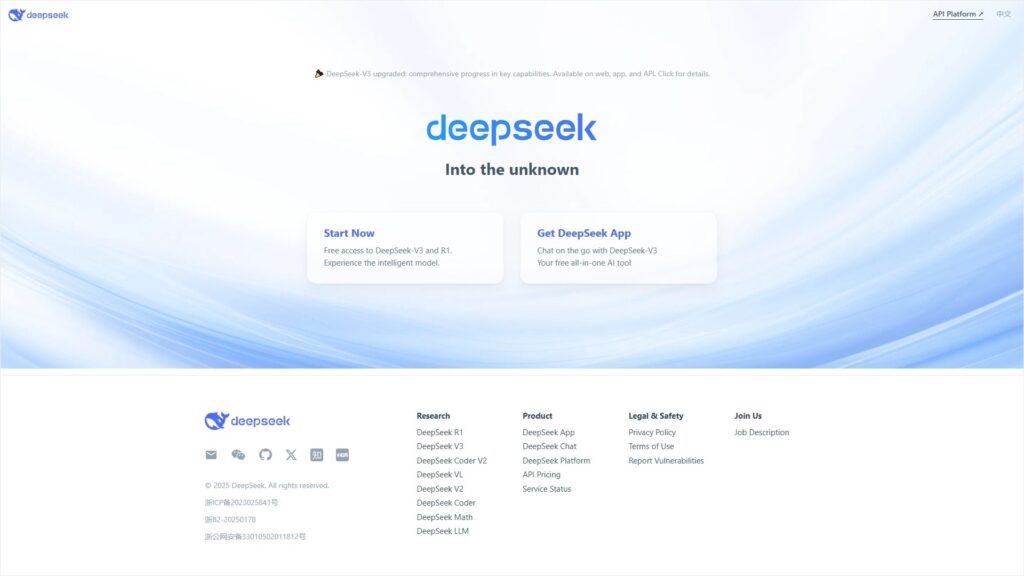
In the list of best ChatGPT free Alternatives DeepSeek is the next one.
What Does it do?
DeepSeek AI is a Chinese research lab that can
- Answer questions & solve different types of problems like logical, analytical etc
- Write programs and design anything
- Generate Images
- Learn from large amounts of data like online text and images.
- Reason by using Chain-of-Thought (CoT) approach
DeepSeek models are open-source allowing anyone to use it for commercial purposes.
Who is it for?
DeepSeek is accessible to
- Businesses – Helps businesses to increase their productivity and grow.
- Researchers – Scientists and researchers to develop newer AI models.
- Individuals – Individuals like students, professionals to answer questions.
Different Models
DeepSeek has released several models
- DeepSeek Coder – For coding tasks
- DeepSeek LLM – For general purpose use
- DeepSeek V2 – Low cost model with stronger performance
- DeepSeek-Coder-V2 – To tackle complex coding challenges with 236 billion parameters
- DeepSeek-V3 – With over 671 billion parameters
- DeepSeek-R1 – Model designed for reasoning tasks that competes with OpenAI’s o1 Model
- DeepSeek-R1-Distill – Smaller but more efficient version of R1.
Salient Features
DeepSeek AI has become popular for the following reasons
- Open Source: Free and Open Source with no subscription fees.
- Accuracy: Highly accurate and efficient.
- Real Time Processing: Real-time processing makes it useful for applications that require quick responses.
- Task Specific Processing: Technical problems like coding, research etc.
- Visual Data Analysis: Its image recognition technology improves accuracy in visual data analysis.
- Scalability: Growth without increasing computing costs.
- Cost Effectiveness: Lowers Operational Costs.
Pricing
DeepSeek is free to use. Although the estimated price is $<.000001.
Limitations
- Capacity Issues
Server Capacity: Due to huge demand DeepSeek has struggled with server capacity.
Demand: Capacity crunch means challenges of scaling AI to meet demand.
- Cybersecurity Risks
Data Breaches: Target of cyberattacks leaking sensitive user data.
Security Measures: Researchers have questioned its basic cybersecurity measures.
- Privacy Concerns
Personal User data can be collected by DeepSeek without the user’s knowledge.
3. Google Gemini
What Does it do?
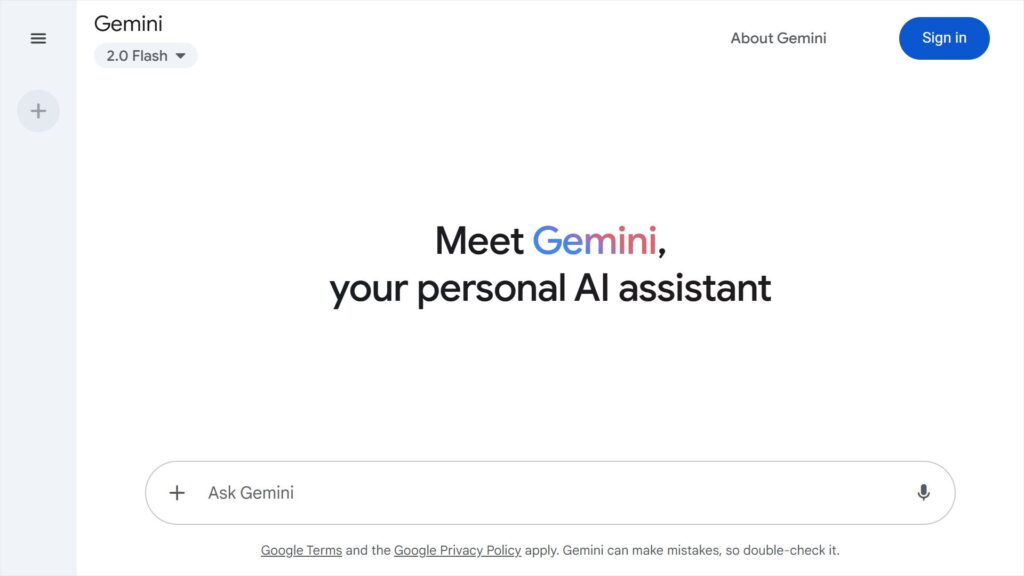
Google Gemini is a collection of AI models that can understand and generate text, images, audio, videos and code.
It can act as a multimodal assistant helping with tasks like writing, brainstorming, learning, coding etc.
Core Functionalities & Capabilities
- Multimodality – Gemini can handle different types of data like text, audio, video, code etc making it very versatile.
- Natural Language Understanding – Human-like interaction is possible because Gemini can understand natural languages.
- AI Assistant – You can use it as a personal or a professional AI assistant.
- Creative Writing – Great at assisting with creative writing. It can brainstorm, summarize text, generate images and even draft content.
- Code Generation & Debugging – It can assist with coding tasks and debug existing code.
- Image Analysis & Generation – Gemini can describe images, extract text from images and generate new images based on your input.
Who is it for?
- General Users – Students, professionals or anyone who is looking to boost their productivity by generating different types of content quickly. For faster content creation you can learn about some of the best AI tools here!
- Businesses – Best suited for marketers and salespeople for crafting content and generating new ideas. Developers and coders can also write and debug their codes.
Different Models
- Gemini Ultra – Most powerful model designed for performing complex tasks.
- Gemini Pro – Performs a wide range of tasks.
- Gemini 2.0 Flash – Low latency and enhanced performance.
- Gemini 2.0 Flash-Lite – Optimized for cost efficiency and low latency.
- Gemini 1.5 Flash – A lightweight, fast and cost efficient model designed for high frequency tasks.
- Gemini 1.5 Pro – Optimized for complex reasoning tasks.
- Gemini 1.0 Nano – Operates locally on smartphones and other mobile devices.
- Gemini 1.0 Pro Vision – Inputs everything text, images, audio, video etc but Outputs text.
Salient Features
Five powerful features of Google Gemini
- Multimodality: It means Gemini can understand your queries in the form of text, image and even a video.
- Reasoning & Explanation: Gemini can reason and explain unlike other search engines which only share links.
- Managing Your Emails: Gemini connects with your Google Services like Gmail. It can read your emails and converse with you based on that email. You can ask specific questions regarding your mail and summarize most important emails in your inbox.
- Identify Any Objects: You can take a photo and ask Gemini to identify the product or object in the photo. Not just it identifies photos but also provide other details like ingredients, price etc.
- Coding: Use Gemini to convert code written in one language to another. It can also generate coding solutions for different problems.
Pricing
Standard plan costs $19 per month per user with a 1 Year subscription or $22.8 for per month.
Limitations
- Usage Limits
Gemini Apps: Capping number of prompts and conversations within a timeframe.
Cloud Gemini: Monthly limits when using Gemini Gmail, Docs, Sheets with a cap of 500 usages per month.
- Functional Limitations
- Computational Resources & Costs, requires significant computational resources.
- Model Capabilities as it lacks ability to generate or process images, audio, video etc.
- Data Quality: Outcomes can be skewed or unfair.
4. Perplexity
What Does it do?
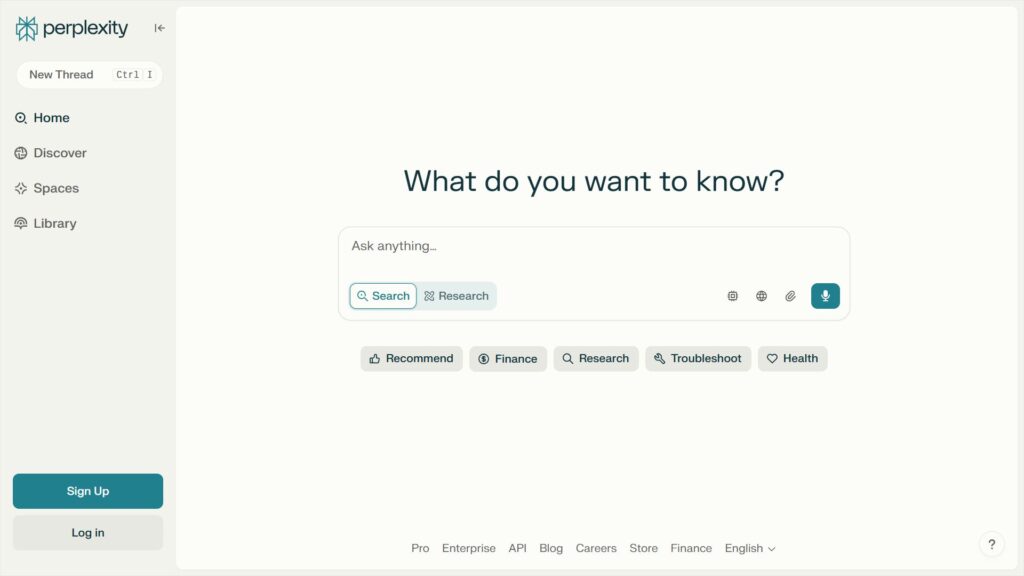
Perplexity is just a Free AI search engine that functions as an “answer engine” delivering fast, concise and up-to-date answers to user’s queries by searching the web in real time.
Perplexity acts as your research partner, saving your valuable time by providing precise but verifiable information round the clock.
It does following
- Function as a Search and Answer Engine
- Real Time Search
- Emphasis on Accuracy and Verifiability
Who is it for?
Perplexity is best suited for following groups
1. Students and Researchers
Perplexity provides in-depth information and citing sources making it a valuable tool for academic research and study.
2. Information Seekers
Information seekers can find all the information at one place. It is an easy to use platform for exploring new topics.
3. People Seeking Quick Answers
Perplexity’s conversational interface and ability to synthesize information from multiple sources makes it ideal for anyone who is looking for quick answers to their queries.
Different Models
Perplexity offers a variety of models like
- Perplexity In-House AI – Default model
- Claude 3.5 Sonnet
- Sonar Large
- GPT-4o
- Claude 3 Opus
- Sonar Huge
- Sonar Pro
- R1-1776
Salient Features
Perplexity stands out for its features like
- Real Time Web Search – Its advanced model offers only current and more relevant information to its users.
- Conversational Interface – It is very easy to interact with Perplexity especially for new users.
- Accuracy and Reliability – It focuses on accuracy of information and its authenticity.
- Citation Source – Always quotes the citation source.
Pricing
- Professional Plan is at $20 per month per user.
- Enterprise Plan offers custom pricing.
Limitations
However Perplexity AI faces some serious limitations like
- Inaccurate Information – It can generate incorrect or total out of the context answers.
- Limited Problem Solving Abilities – Almost zero problem solving and reasoning ability as compared to ChatGPT or DeepSeek.
- Dependency on Third Party LLMs – It heavily relies on third party Large Language Models making it handicapped.
- Plagiarism – Faces accusations of copyright infringement and plagiarism.
5. Microsoft Copilot
What Does it do?
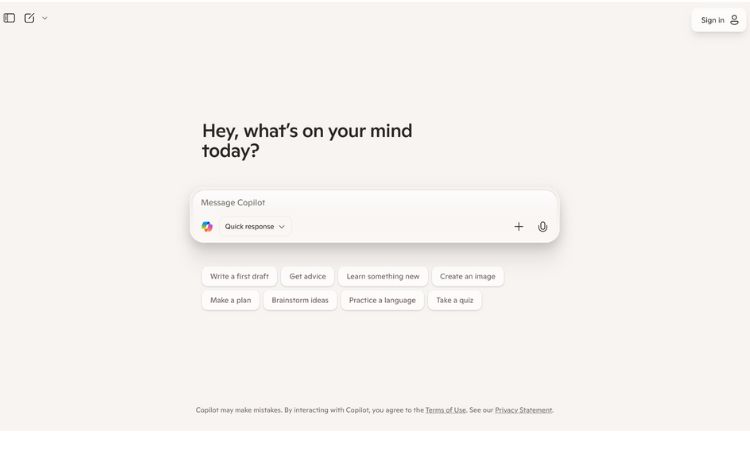
Microsoft Copilot helps users with a myriad of tasks across different platforms from providing intelligent suggestions to automating repetitive tasks.
Here’s what Microsoft Copilot Does
- AI Powered Assistance – Like any other AI Assistant it allow users to interact with it in a human-like conversation to get things done.
- Automation and Simplification – It makes your workflow more efficient by automating repetitive tasks and offering intelligent solutions.
- General Capabilities – It offers specific capabilities like brainstorming and idea generation, writing and editing, coding, searching and information retrieval, image generation, data analysis and insights.
Who is it for?
Microsoft Copilot can be used by both normal users and businesses.
- Normal Users – MS Copilot free version is available to everyone offering general AI assistant support for daily tasks. More advanced users can use Copilot Pro for faster response time and powerful features.
- Business – Business users and enterprises can use MS 365 Copilot to enhance their productivity and automate workflows.
Different Models
Some of the models are
- Copilot for Microsoft 365 – For businesses and enterprises
- Copilot Pro – For individual users
- Copilot Studio – Create and customize your own copilots.
- GitHub Copilot – Focusses on AI powered code generation and assistance for developers.
- Windows Copilot – Integrated directly into Windows 11 OS.
- Copilot for Dynamic 365 – It works within the Dynamic 365 ecosystem.
- Microsoft Security Copilot – Designed to help security professionals.
Salient Features
Some of its powerful features are
- Content Creation – Draft an email, create documents and presentations etc.
- Data Analysis – Complex data interpretation in excel providing insights and visualizations.
- Document Summarization – Quickly summarizes long documents.
- Meeting Management – It organize and summarize actions in meetings
- Task Automation – Automating repetitive tasks.
- Collaboration and Communication – Enhanced communication and improved collaboration.
- Personalized Assistance – It can adapt to individual user styles and preferences.
Pricing
Rs 2000/- per user per month.
Limitations
Despite Copilot being so good it has some limitations.
- File Size Limits – Copilot Studio can upload files up to 512 MB in size.
- Customization Options – Customization can be limited compared to other AI tools.
- Language Support – Only supports English.
6. Grok AI
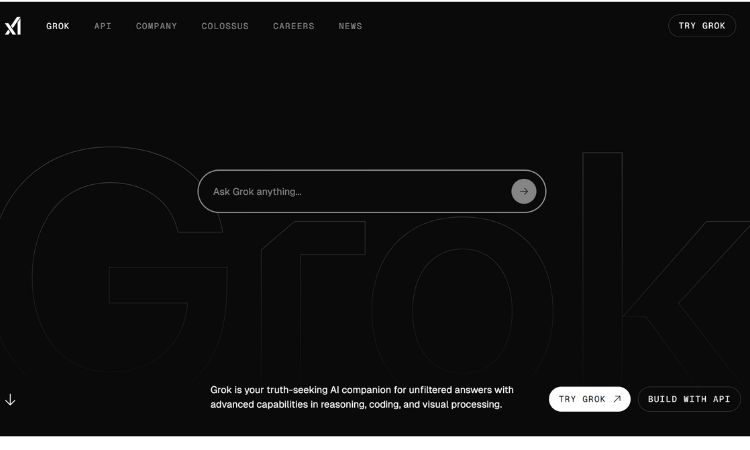
Last but not the least is Grok AI, a very popular and one of the best ChatGPT alternatives available right now.
What Does it do?
Grok AI, an initiative by Elon Musk is a conversational AI Chatbot available for all X (earlier Twitter) users. It is based on LLM launched in 2023.
Grok AI is powered by the Grok AI model which claims to have advanced reasoning capabilities and state of the art performance for multiple tasks.
Using Generative AI Technology Grok AI can render controversial responses that mimic human-like understanding.
Users can interact with Grok AI by text prompting, asking queries and generating images.
Who is it for?
It is designed for users who seek real-time, insightful and unfiltered or witty responses.
- Content Creators – Creators or influencers who want to create edgy content.
- Marketers – People who want to sell their stuff or product online to their audience/followers.
Different Models
Grok offers a variety of models like
- 2.1 Grok-1. 2.1.1 Grok-1.5.
- 2.2 Grok-2.
- 2.3 Grok-3.
Salient Features
- Its capabilities extend beyond casual conversation.
- Grok AI claims that it can assist with research, coding, and automating tasks.
- Enhanced Image-Understanding Capabilities.
- It can extract information from PDF files and Word Documents.
Pricing
Grok 3 Beta is available for free for a limited time
Limitations
Grok AI has some serious limitations.
- Free Version Limitations – Limited Prompts, Limited Image Analysis & Generation, Regional Availability
- Not For Children – Not for users under 13.
- Inappropriate Content – Grok AI can produce outputs not suitable for all ages.
- No API for Wide Use – Grok 3 Lacs API for wider use, limiting its accessibility for developers.
All these above mentioned 6 alternatives are as good as ChatGPT if not better. You can choose any of these depending on your requirement and budget.
Conclusion:
ChatGPT may still be the most popular AI assistant, but it is not the only choice anymore. From Claude’s reasoning power to DeepSeek’s open-source flexibility, Gemini’s multimodal skills, and tools like Perplexity, Copilot, and Grok — there are plenty of strong ChatGPT alternatives to explore.
Each option has its own strengths, pricing, and limitations, so the best tool really depends on your personal or business needs. The good news is that many of these AI tools are free or affordable, making it easy to test them before committing.
If you are serious about saving time, increasing productivity, or finding a smarter AI assistant, this is the right moment to experiment with these alternatives and see which one works best for you.


