

You have probably seen a dozen tools promising to detect AI-written content, catch plagiarism, improve readability, and do a bunch of other smart things. But let’s be honest — most of them either overpromise or just give generic reports that do not help much. I decided to actually test Originality.ai, just to see how well it holds up in real-world usage. Not on paper. Not in theory. But in actual scenarios that writers, editors, and marketers deal with every day.
Here’s what I found — the good, the not-so-great, and whether it is really worth paying for in 2025.
What Originality.ai Claims to Do
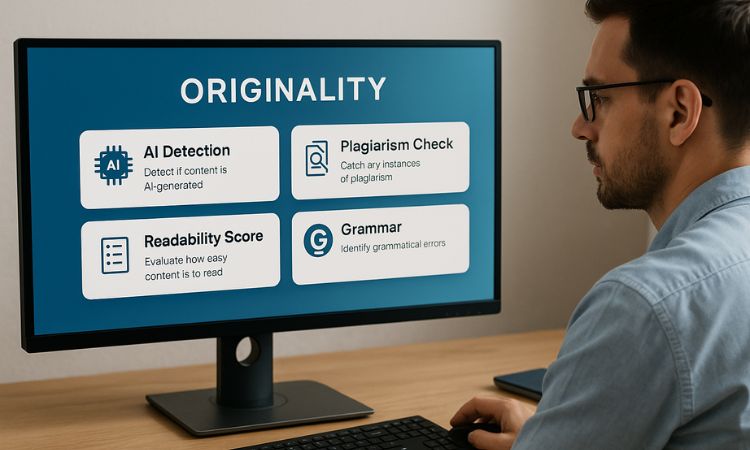
So here is the basic idea. Originality.ai is built as a one-stop tool for content authenticity. That means it claims to detect if your content is AI-generated, catch any plagiarism, give you a readability score, point out grammar issues, and even help you fact-check or “humanize” AI-written paragraphs. It is clearly designed for people who want to make sure their content is real, clean, and trustworthy — whether you are running an agency or writing blog posts on your own.
Most of these features sound impressive, and the interface does a good job of showing you what you are getting. But once you actually start using it — especially the free version — you realize that some of the most valuable stuff is behind a paywall.
Also Read :
- Top 10 AI Content Writing Tools
- Humanize AI Content For Free: 7 Best AI Content Humanizer Tools
- 9 Best Free AI Detectors Tools in 2025
What Actually Happened When I Tested It
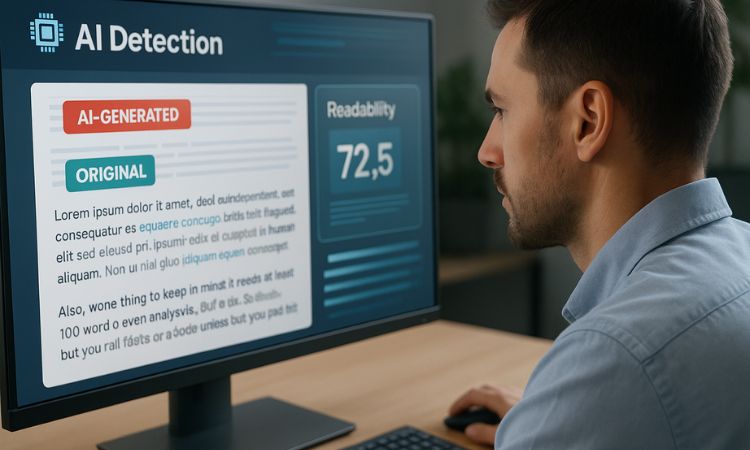
To really understand if this tool works, I ran three types of content through its AI detector. One was completely written by ChatGPT. Another was 100% human — a product description I had written myself. And then I tried a third version where I added just two AI-generated lines inside a mostly human-written paragraph.
And here is the thing.
When the content was purely AI, it immediately flagged it as AI-generated. No hesitation. When the content was written entirely by me, it showed that the content was original. That part was spot on. But the moment I gave it that mixed piece — where just a couple of lines were AI-written — it did not catch it at all. It passed the content as original.
That is a real concern. Because in today’s workflows, a lot of people use AI to edit, rephrase, or add small bits to human content. And right now, this tool misses that. If you are looking to catch subtle AI use, it is probably not going to help much.
Also, one thing to keep in mind: it needs at least 100 words to even begin analysis. So short-form copy? You are out of luck unless you pad it a bit.
Readability Check
Next, I tested their readability feature by dropping in a 500-word blog article. The result? A Flesch Reading Ease Score of 56.4. That falls right in their ideal range, which is between 45 and 60 for modern web writing.
But here is the catch — that is all you get. You will see some long sentences highlighted, maybe some colored text showing what could be improved, but you do not get real writing suggestions. No rewrite help. No tips on tone. Unless you already know how to interpret these numbers, it is not all that actionable.
Other Features
Now let’s talk about the stuff I could not test — because it is behind the paywall. Things like:
- Plagiarism checking
- Fact-checking assistance
- AI humanizer (which rewrites AI text to sound human)
All of this sounds useful, but you cannot access it unless you are on one of the paid plans. The free version only lets you try AI detection and readability, and that too with limited depth.
The 2025 Pricing — Updated and Clear
Now, here is how pricing works as of July 2025.
If you just want to pay once and use it occasionally, there is a $30 one-time “pay as you go” plan that gives you 3,000 credits. One credit equals 100 words, and you can use them anytime over the next two years. That plan gives you access to all the basic features.
If you need monthly access with fresh credits and extras like file uploads and team tools, the Pro plan costs $12.95 a month and gives you 2,000 credits each month. They reset monthly, so use them or lose them.
And for large teams or agencies, there is an Enterprise plan that costs around $136 per month. That one unlocks API access, 365-day scan history, priority support, and more.
One thing you should know — the tool burns through credits quickly if you work with long-form content. So 3,000 credits may sound like a lot, but it might only last a few pieces if each one runs 1,000–2,000 words.
What I Liked About It
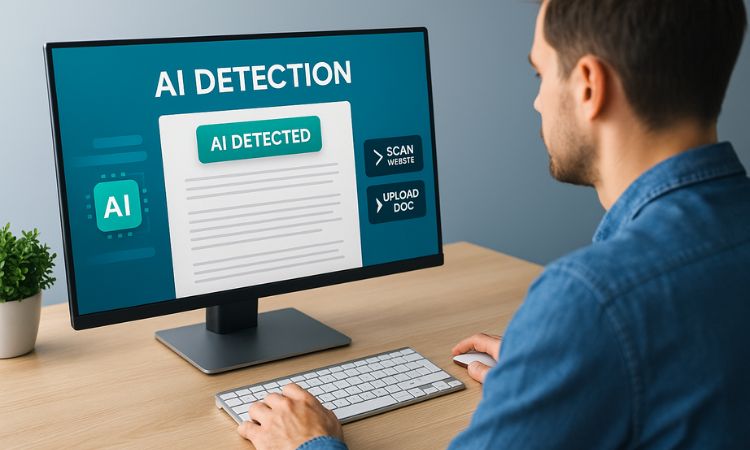
The interface is fast and straightforward. You do not have to guess where to go or what button to press. The AI detection is quick and feels pretty accurate when it is working with clear examples — either fully human or fully AI. It is also helpful that you can scan entire websites or upload docs if you are on a paid plan.
What Was Missing or Frustrating
The biggest issue for me was that it did not flag small bits of AI content inside otherwise human-written paragraphs. That is something a lot of writers do — they mix and edit — and if you are relying on this tool to catch that, it will miss it.
The 100-word minimum is a bit annoying too. Sometimes you just want to check a tagline or a paragraph. And unless you are on a paid plan, you are going to hit a wall pretty fast. Also, the readability scoring is a good signal, but there is nothing in there that actually helps you fix things unless you already know what you are doing.
So, Is Originality.ai Worth Using in 2025?
It depends on who you are and how you work.
If you are a solo blogger or student who wants to casually check a few articles, the free version will probably feel too limited. You will not get access to plagiarism tools, fact checks, or anything that helps you improve writing. On the other hand, if you run an agency or manage writers and you need a system to quickly scan batches of content for originality — this could be really useful.
Just do not expect it to be perfect. And definitely do not treat its results as the final word. It is a tool. A good one, when used right. But not a judge.
FAQ
Can Originality.ai really detect AI content accurately?
Yes, when the content is fully AI-generated, it catches it well. But it misses smaller AI edits inside human text.
Is the free plan useful?
It gives you basic AI detection and readability checking. That is it. Everything else is behind a paywall.
Does it detect plagiarism?
Yes, but only on paid plans.
Can it humanize AI content?
There is a feature for that, but you cannot try it unless you are a paid user.
Who should use this tool?
Agencies, content editors, and serious publishers will get the most value out of it. For casual users, it might be overkill.


